
Download myTuner Radio Free – Free Mac Radio Streaming App
Overview of myTuner Radio Free
myTuner Radio Free is a lightweight, free audio‑streaming application built exclusively for macOS. Developed by Appgeneration Software, this tool belongs to the Audio & Video category under the Streaming & Broadcast subcategory. Since its addition to our catalog in 2015, the program has accumulated over 1,300 downloads, with a steady trickle of new users each week—especially from Brazil and Indonesia where internet radio is immensely popular.
The current version, 1.7, was last updated on December 16 2015, ensuring basic compatibility with macOS X and its earlier releases. Although the installer size isn’t disclosed, the app’s modest footprint makes it ideal for older Macs that struggle with heavy media suites. The interface is presented in English only, offering a clean, uncluttered experience that focuses on one primary task: letting you tune into thousands of global radio stations with just a few clicks.
Its free‑to‑use model means there are no hidden subscription fees, and the program does not embed intrusive ads, which is a rare combination in the free streaming market. Whether you are a casual listener looking for background music while you work, or an audio enthusiast hunting niche community stations, myTuner Radio Free provides a reliable, secure gateway to live audio content without the need for a web browser.
Key Features that Set myTuner Radio Free Apart
- Vast Station Library: Access to over 50,000 radio stations from more than 200 countries, covering music, news, sports, and talk shows.
- Simple One‑Click Tuning: Search by genre, country, or station name and start streaming instantly without additional plugins.
- Bookmark Favorites: Save your most‑listened stations to a personalized list for quick retrieval.
- Low CPU & Memory Usage: Engineered for macOS, the app runs smoothly even on older hardware, preserving battery life on laptops.
- Automatic Stream Detection: The built‑in decoder identifies and adjusts to various streaming formats (MP3, AAC, OGG) without manual configuration.
- Metadata Display: Real‑time track information, artist, and album art appear as the broadcast progresses.
- Free & Ad‑Free Experience: No subscription fees or disruptive banner ads, ensuring an uninterrupted listening session.
- Secure Connection: Uses HTTPS where supported by the source station, protecting your data from eavesdropping.
- Regular Updates (Last in 2015): Although updates have been infrequent, the final release fixed several stability issues and improved macOS compatibility.
Installation & Usage Instructions for macOS
Installing myTuner Radio Free on a Mac is straightforward, even for users who are not technically inclined. Follow these steps to get the app up and running:
Step‑by‑Step Installation
- Visit the official download page or a trusted Mac software repository and click the Download myTuner Radio Free button.
- The installer package (
.dmg) will mount automatically. Open the mounted volume. - Drag the
myTuner Radio.appicon into yourApplicationsfolder. macOS may request administrator permission—enter your password to proceed. - After copying, eject the disk image and locate the app in the Applications folder.
- Because the software is not from the Mac App Store, the first launch will trigger a security warning. Go to System Preferences > Security & Privacy > General and click “Open Anyway.”
First‑Time Configuration
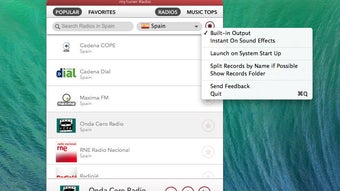
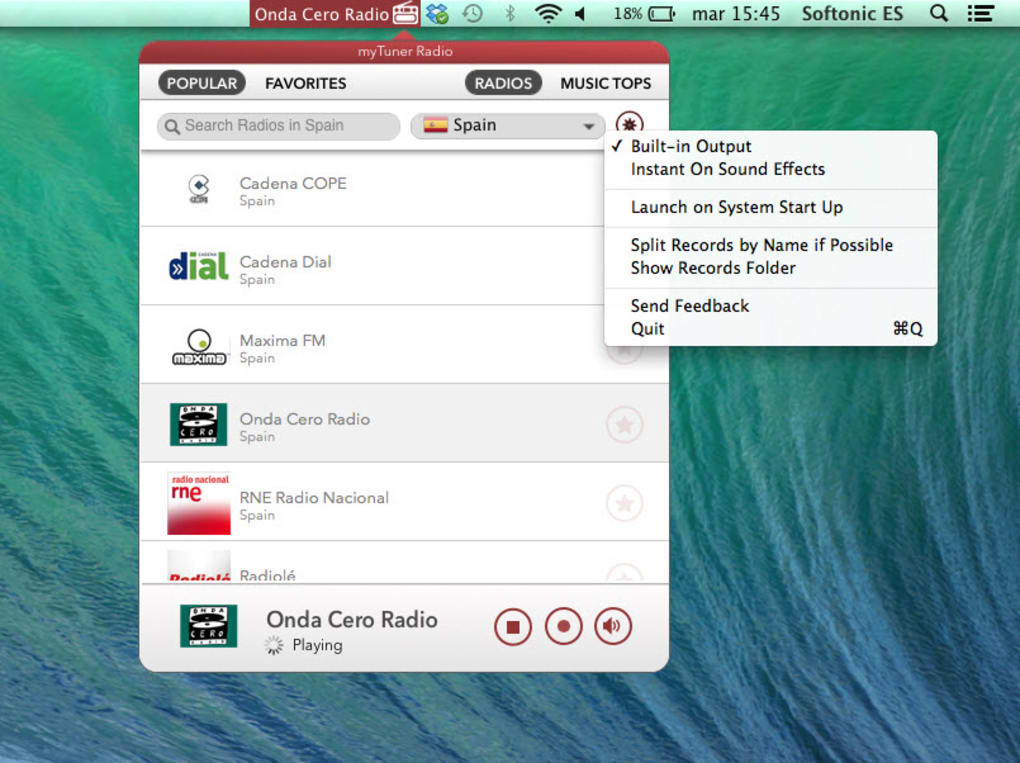
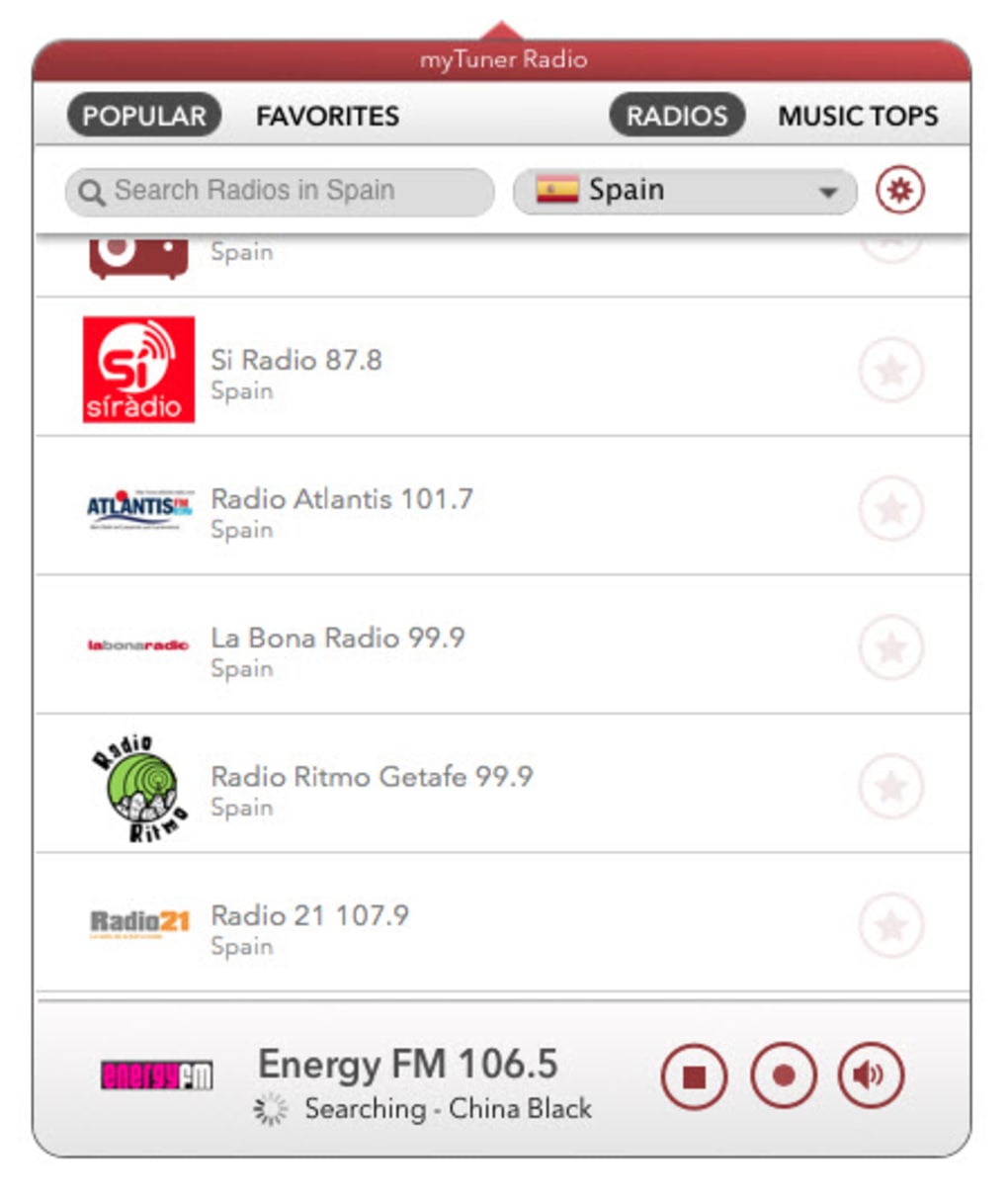
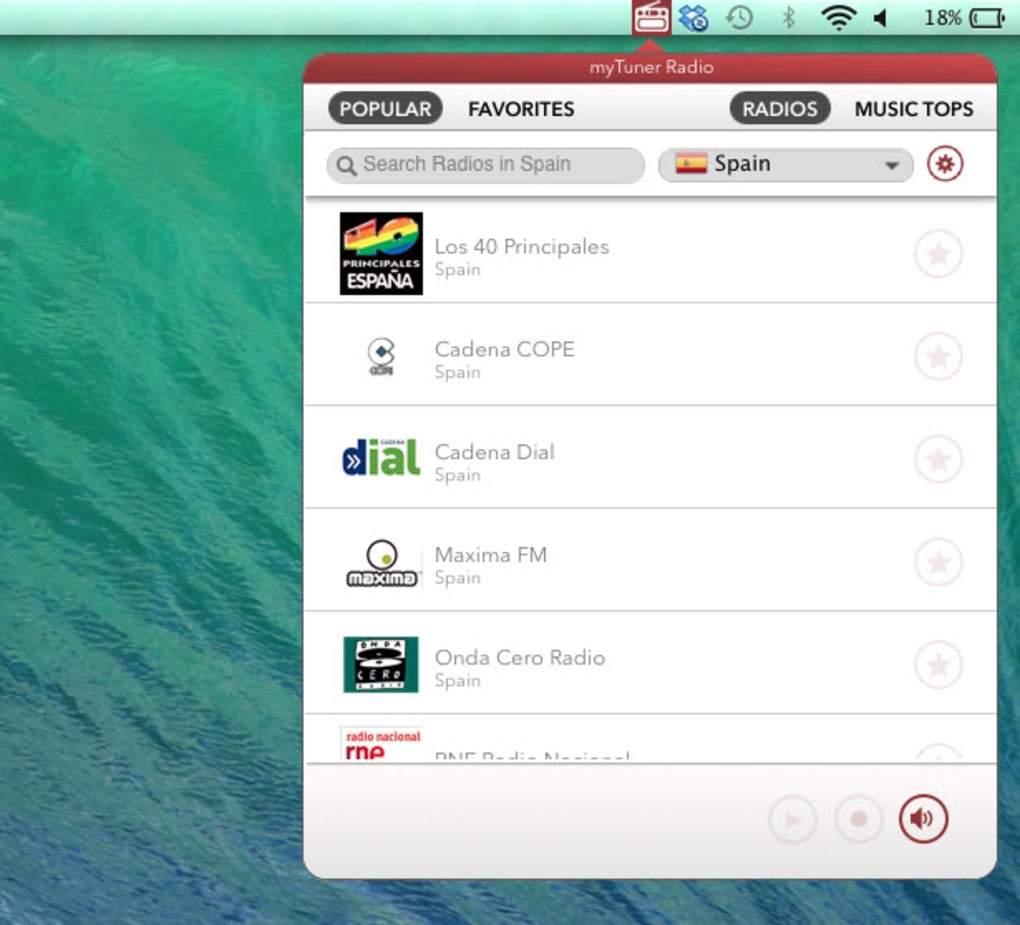
Upon opening the app, you’ll be greeted with a clean main window featuring a search bar at the top and a list of popular genres on the left. No registration is required; simply type the name of a station, select a genre, or browse the “Top 100” list. Click the Play button next to any entry to start streaming. The player controls (Play, Pause, Stop, Volume) appear at the bottom, along with a real‑time display of the current track’s title and artist.
Creating a Personal Station List
To save a station, click the star icon next to its name. All starred stations are collected under the “Favorites” tab, which you can access at any time. Drag‑and‑drop functionality also allows you to reorder your favorite list, tailoring the experience to your listening habits.
Troubleshooting Common Issues
If a stream fails to play, verify your internet connection and ensure the station’s URL is still active. Some older stations may have migrated to new streaming protocols; in such cases, try a different station within the same genre. macOS users experiencing audio glitches can reset the app’s cache by deleting the ~/Library/Application Support/myTunerRadio folder (the app will recreate it on next launch).
Compatibility, Pros & Cons of myTuner Radio Free
myTuner Radio Free is designed exclusively for macOS, supporting both macOS X and earlier releases. The software leverages native Apple frameworks, which contributes to its smooth performance on older hardware. Below is a concise breakdown of the platform’s strengths and areas where it could improve.
Operating System Compatibility
macOS X (10.6 Snow Leopard) and later versions up to macOS 10.12 Sierra are officially supported. While the app may launch on newer releases, users may encounter minor UI scaling issues on Retina displays or macOS Big Sur and later due to the lack of recent updates.
Pros
- Completely free with no hidden subscription fees.
- Extensive global radio catalog – over 50,000 stations.
- Low system resource consumption, ideal for older Macs.
- Ad‑free listening experience, rare for a free app.
- Simple, intuitive interface that requires no technical knowledge.
- Secure HTTPS streaming when available.
Cons
- Last major update was in 2015; may lack support for newer macOS versions.
- English‑only UI limits accessibility for non‑English speakers.
- No built‑in equalizer or advanced audio controls.
- Installation requires bypassing Gatekeeper, which may concern security‑focused users.
- Missing documentation on installer size and exact system requirements.
Overall, myTuner Radio Free delivers a reliable, no‑cost solution for macOS users who want quick access to worldwide radio streams. Its simplicity is its greatest strength, though the lack of recent updates may deter power users seeking modern UI refinements.
FAQ and Final Thoughts – Should You Download myTuner Radio Free?
Is myTuner Radio Free truly free, or are there hidden costs?
Yes, the application is completely free. There are no subscription fees, in‑app purchases, or mandatory ads. All stations are streamed directly from their source URLs.
Can I use myTuner Radio Free on Windows or mobile devices?
No, the current version is macOS‑only. Windows, Android, and iOS users will need to look for alternative radio apps.
How secure is the streaming connection?
The app uses HTTPS for stations that support it, protecting data from eavesdropping. However, many public radio streams still use HTTP; in those cases, encryption isn’t available.
Will the app work on the latest macOS versions like Ventura?
The app was last updated for macOS 10.12. It may launch on newer versions, but users might experience UI scaling issues or occasional crashes due to outdated system calls.
Do I need an internet connection to use myTuner Radio Free?
Yes, because the software streams live radio over the internet. It does not support offline playback or downloaded content.
Conclusion – Is It Worth the Download?
If you own a Mac and are looking for a no‑cost, ad‑free solution to explore global radio stations, myTuner Radio Free remains a solid choice despite its age. Its lightweight design, extensive station library, and straightforward interface make it especially appealing to users who prioritize simplicity over flashy features. However, power users or those on the newest macOS releases should be aware of potential compatibility quirks and the lack of advanced audio controls. Overall, the benefits outweigh the drawbacks for most casual listeners, and the free nature of the app makes it a low‑risk addition to your media toolbox. Download myTuner Radio Free today to start enjoying worldwide broadcasts without paying a cent.







